
Lúmina Player · AI anime player at 60 fps and beyond · NVIDIA RTXYour anime, smoother than ever.
Lúmina uses AI to create the frames your video is missing while you watch, and upscales it with RTX Video Super Resolution. Open an episode and it's already smooth: nothing to convert first.
- Free
- On Microsoft Store
- Version 2.2.0.0
Drag across the scene to compare. Simulation: the left half is drawn at 24 fps and the right half at your display's refresh rate.
- ×16maximum smoothness: up to 15 new frames between each pair
- 1 framehow long the enhancement takes to replace the original, with no stutter
- 0conversions beforehand: it's enhanced while you watch
Features
Everything you need to binge anime late at night, episode after episode.
Open the folder, pick an episode and Lúmina handles the rest: the interface steps aside and the video is all that matters.
Real-time AI frame interpolation
RIFE on TensorRT for RTX generates the in-between frames on your GPU. Pick a smoothness from ×1 to ×16 to match your display: 24 fps at ×5 gives you 120 fps.
Sharper picture with RTX VSR
NVIDIA Video Super Resolution upscales 480p or 720p to your monitor's resolution. If the video already fills it, the step is skipped automatically.
Deformation protection
If the AI warps a subtitle, Lúmina catches it and regenerates it more precisely; if it still looks wrong, it shows the original frame. Scene cuts never go through the AI.
Skip openings and endings
Lúmina compares the audio with the other episodes in the same folder, marks the opening on the timeline and offers to skip it with the S key. It can also skip it for you.
Instant seeking
The original plays from disk right away while the enhancement rebuilds ahead of you, in the background.
Automatic tuning
It measures your GPU when you open each video and picks the best quality it can sustain in real time. If it falls behind, it steps down without you noticing.
Pick up where you left off
It remembers where you stopped in every file, reopens the last video at startup and, when an episode ends, suggests the next one.
Any format
MKV, MP4, AVI, WebM or TS; H.264, HEVC, AV1 or VP9. If FFmpeg can read it, Lúmina can play it.
Convert it to take with you
Export to MP4 with the smoothness and sharpness you choose and watch it on your phone or TV. It never overwrites the original.
Subtitles, even with enhancement on
Embedded subtitles and your own files show with enhancement on. Missing some? Search OpenSubtitles without leaving the player and, if they are out of sync, Lúmina syncs them in one click.
Skins
Art editions for your player.
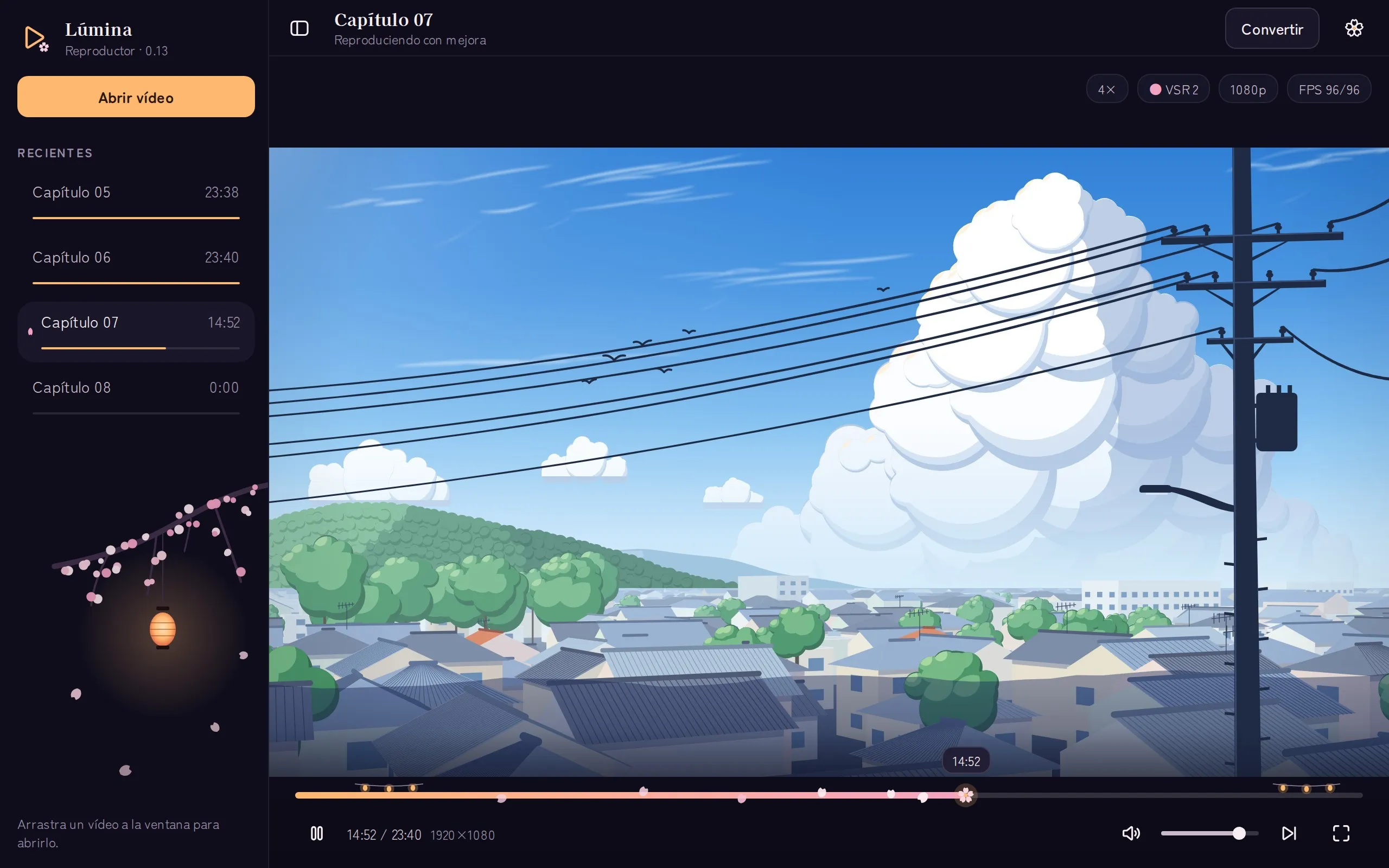
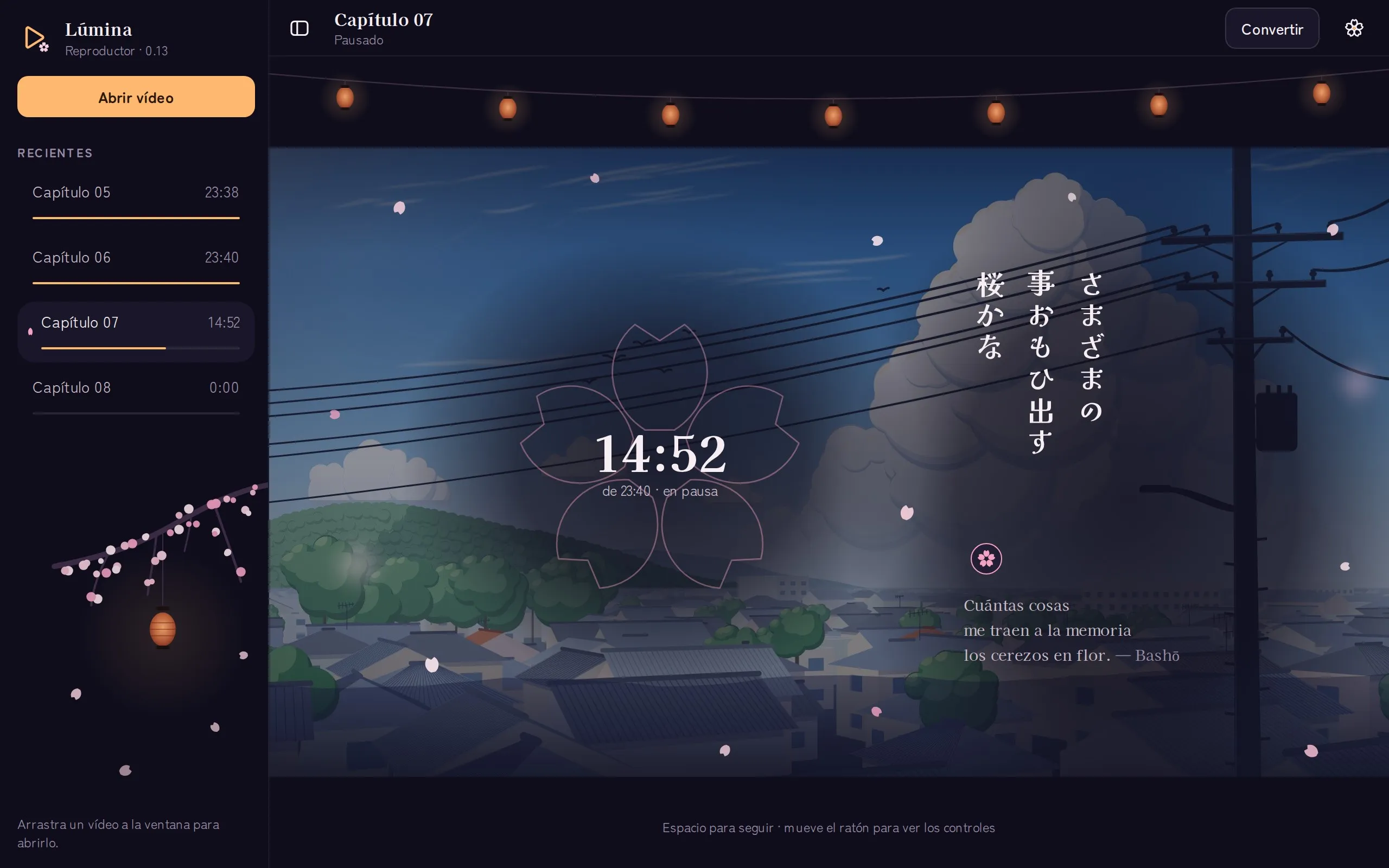
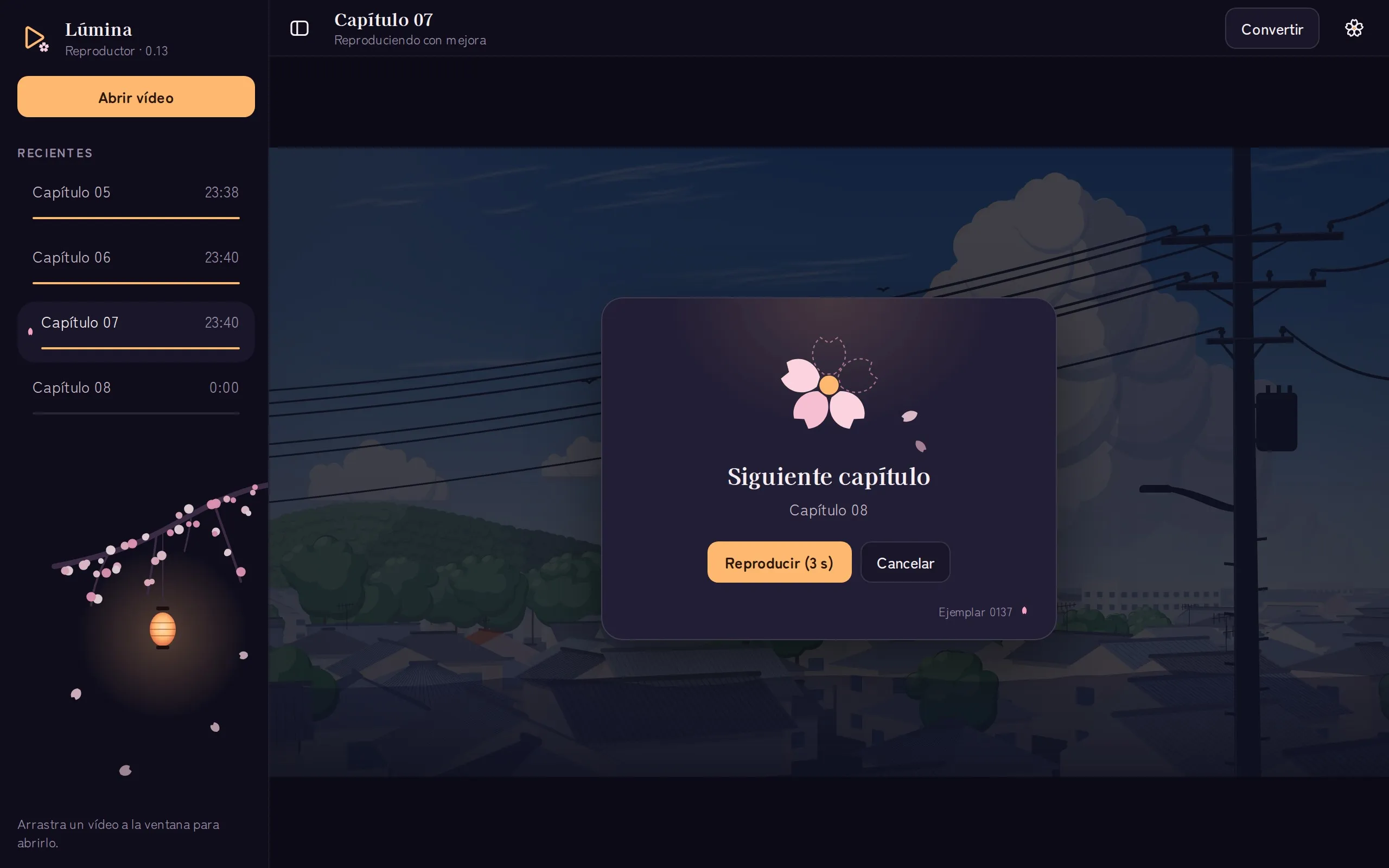
Each skin changes the timeline, the icons, the typography and what you see when you open, pause and finish an episode. The video itself is never touched.
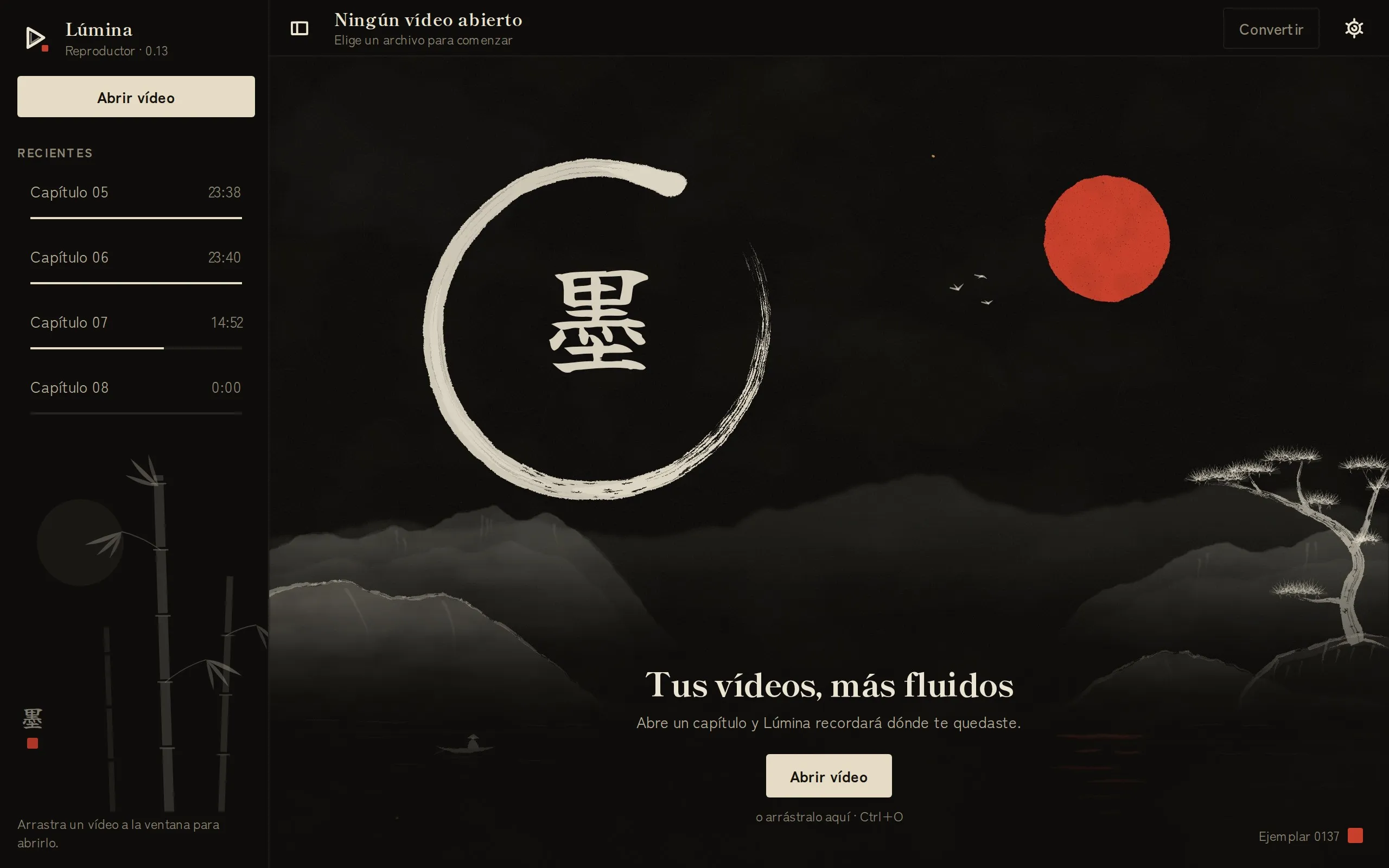
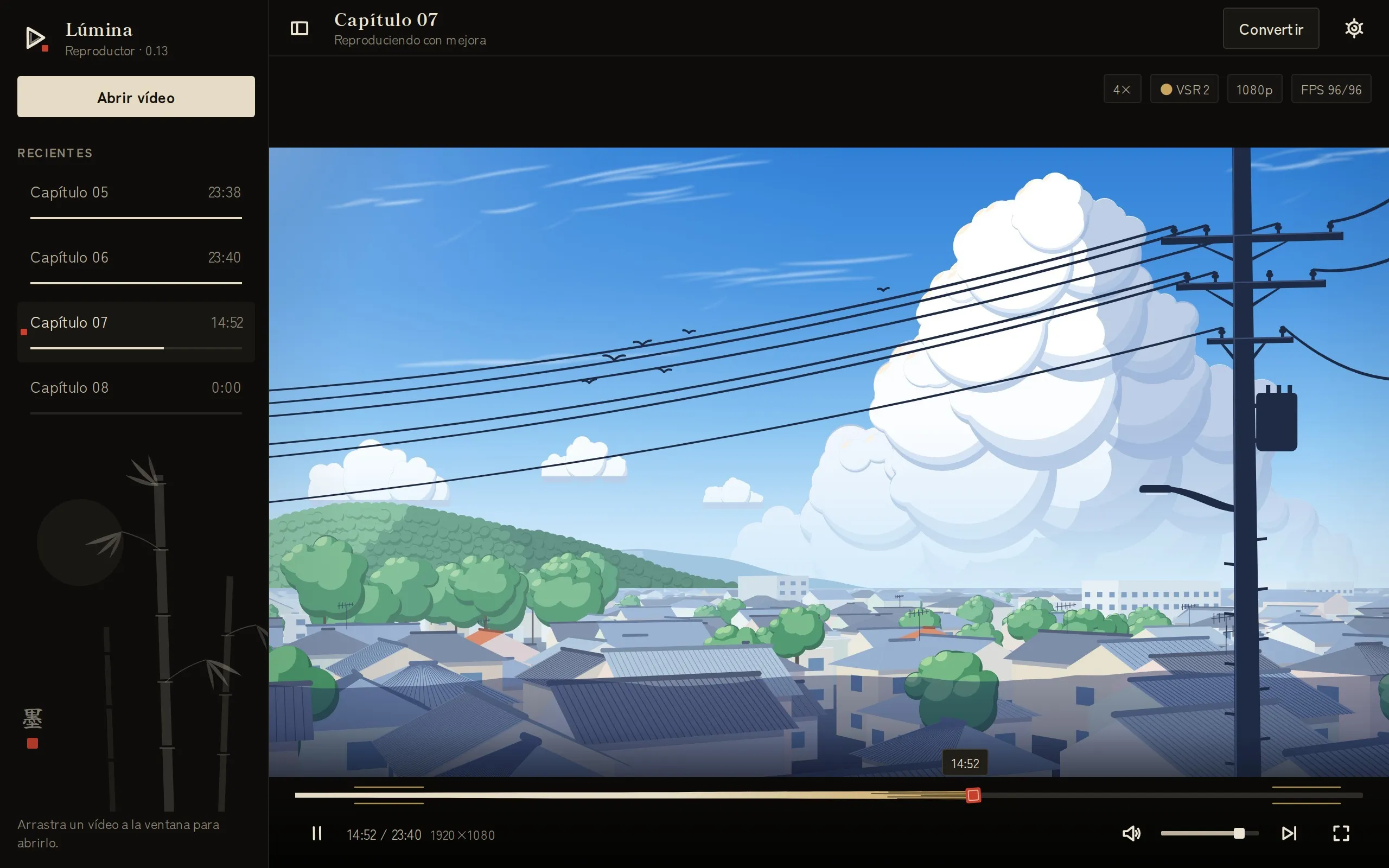
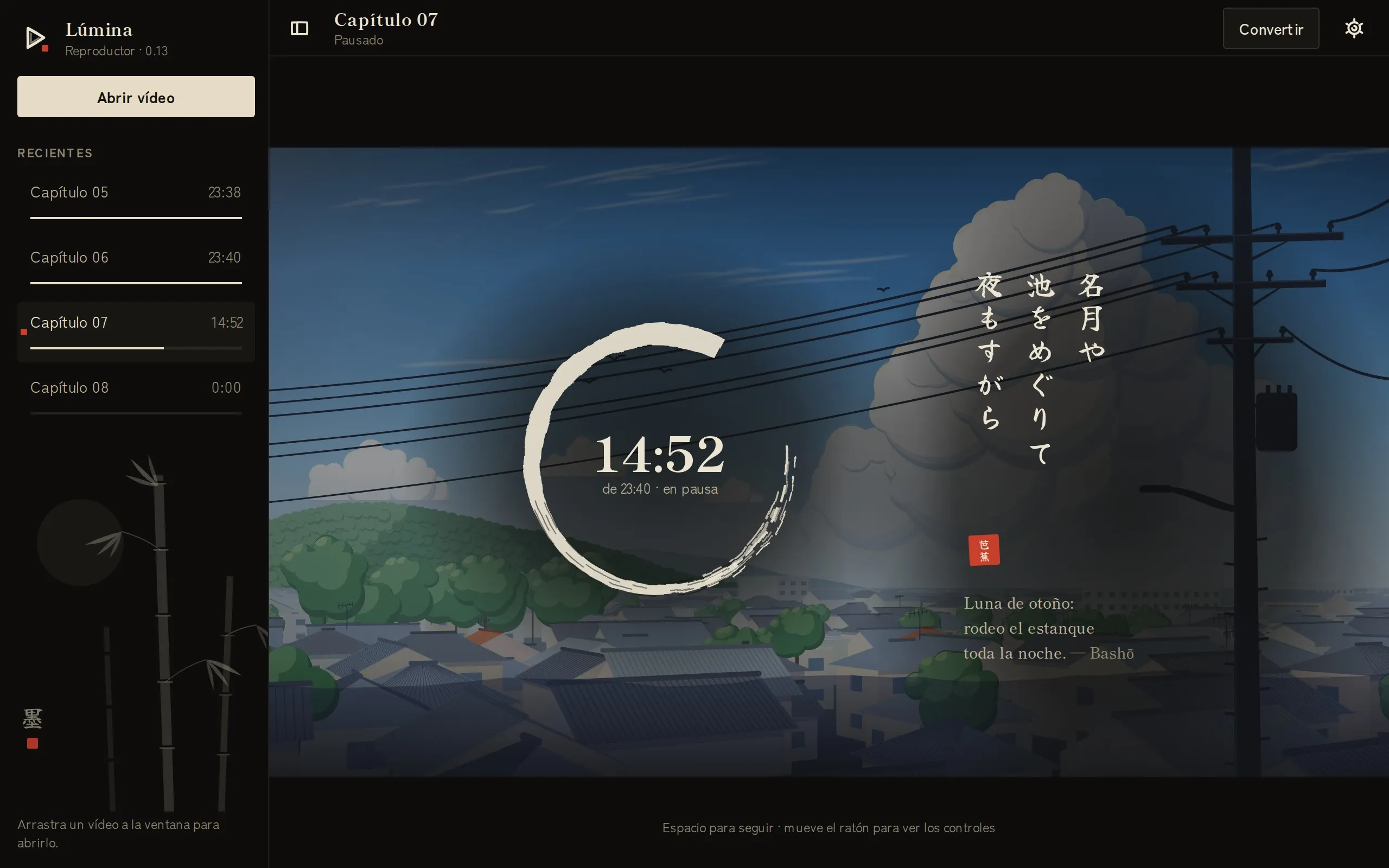
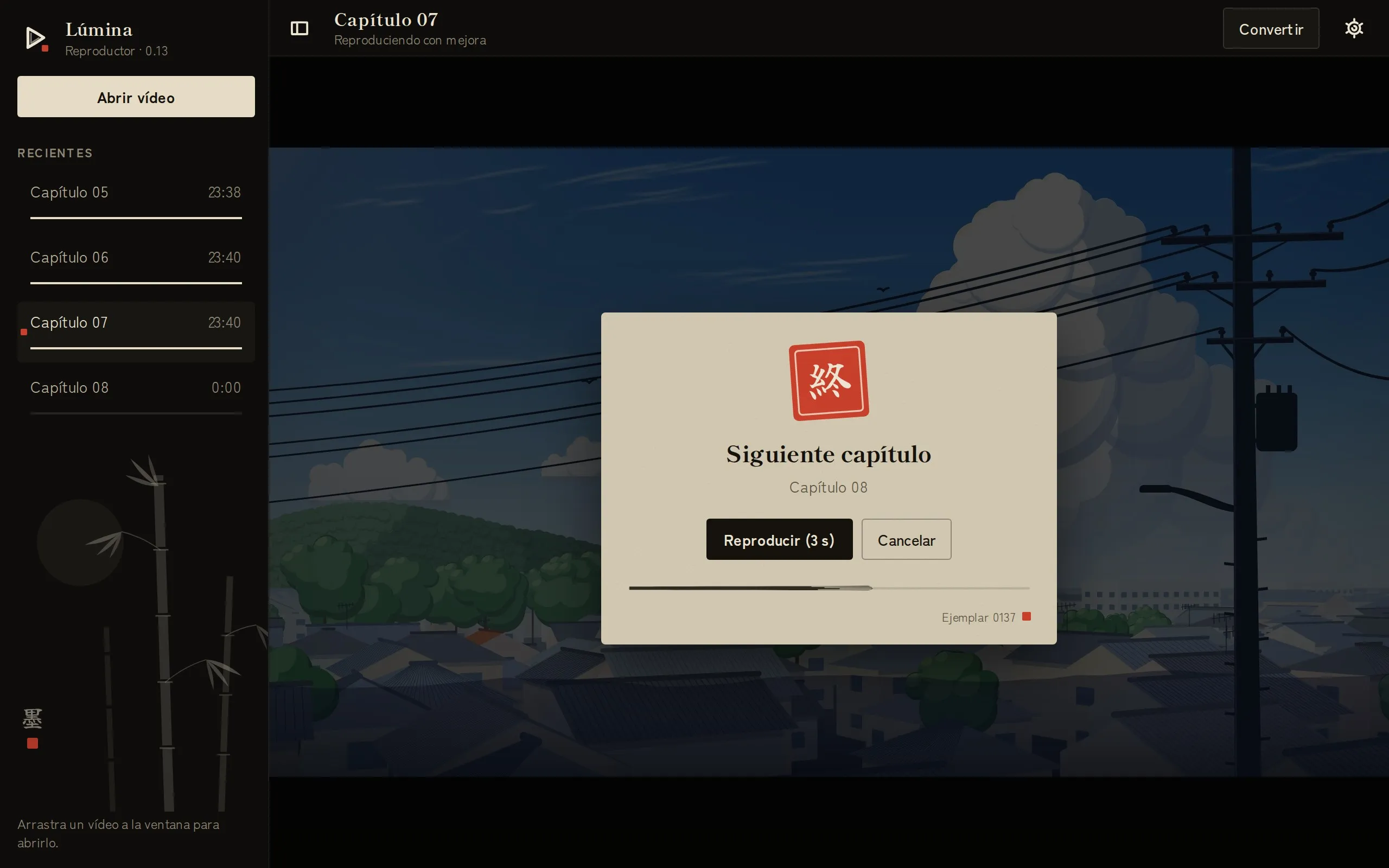
Ink and seal
Sumi
A single brushstroke of ink for a timeline, an ensō that draws itself when you pause and a vermilion seal at the end of every episode.
- Custom timeline and playhead
- Icons and typography
- Illustrated start screen
- Pause and end art
- Animations in the margins
- Edition
- No. ····
- Numbering
- Your number is engraved on the skin when you buy it.
4.99 USD
Buy Sumi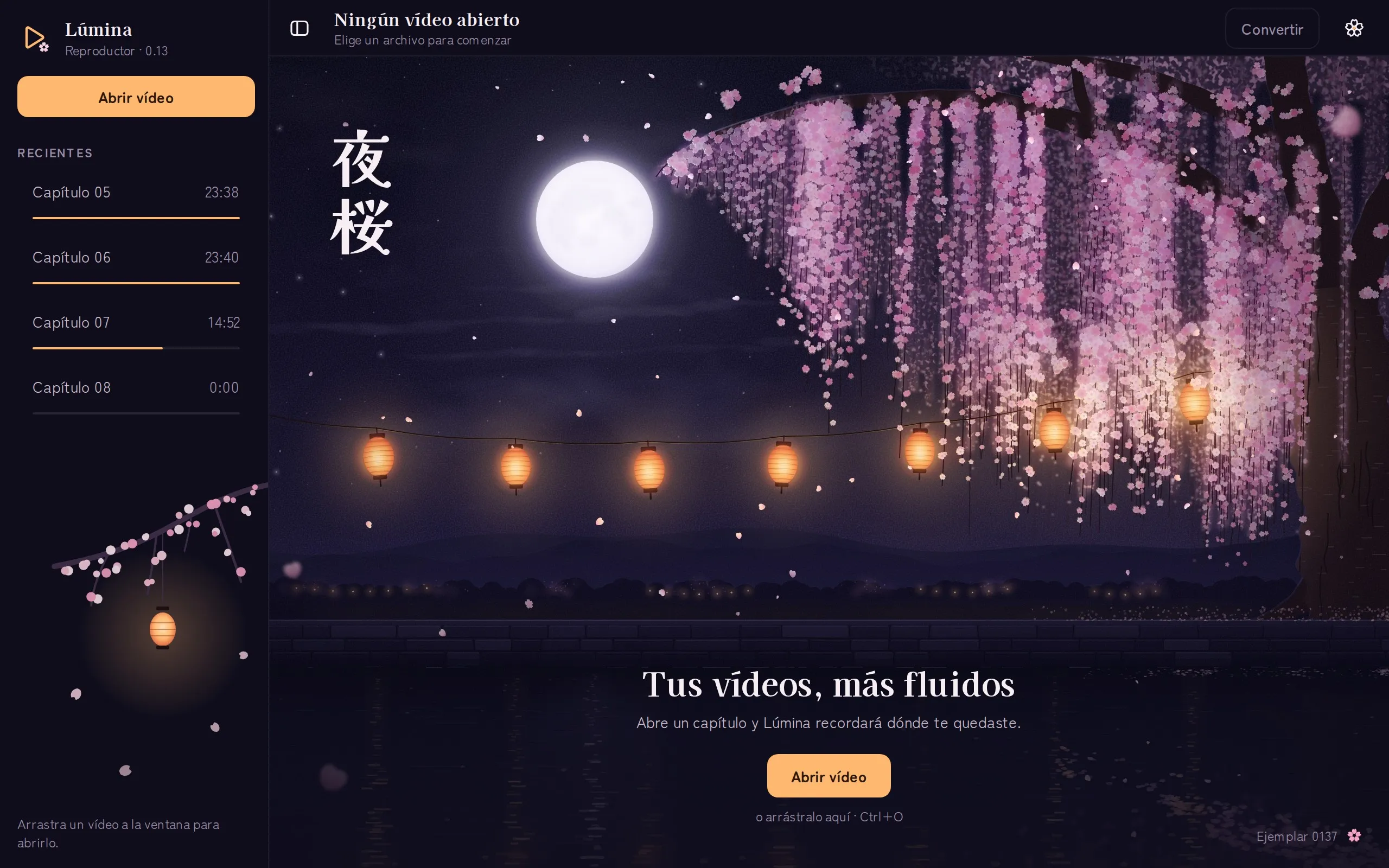
Cherry blossoms at night
Yozakura
What you've watched is covered in petals, paper lanterns breathe on the start screen and the countdown sheds a flower.
- Custom timeline and playhead
- Icons and typography
- Illustrated start screen
- Pause and end art
- Animations in the margins
- Edition
- No. ····
- Numbering
- Your number is engraved on the skin when you buy it.
4.99 USD
Buy Yozakura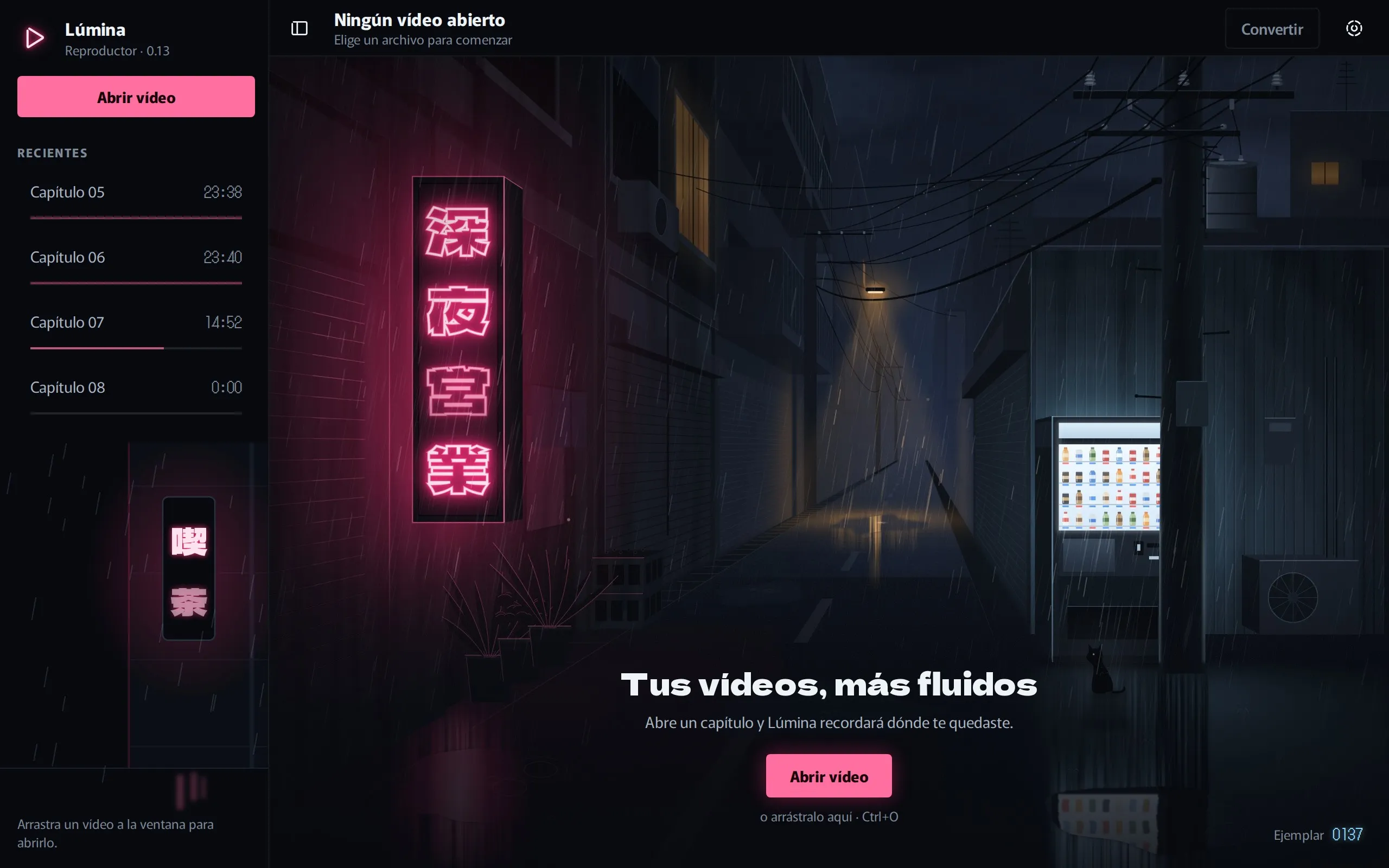
Rain and neon
3 a.m.
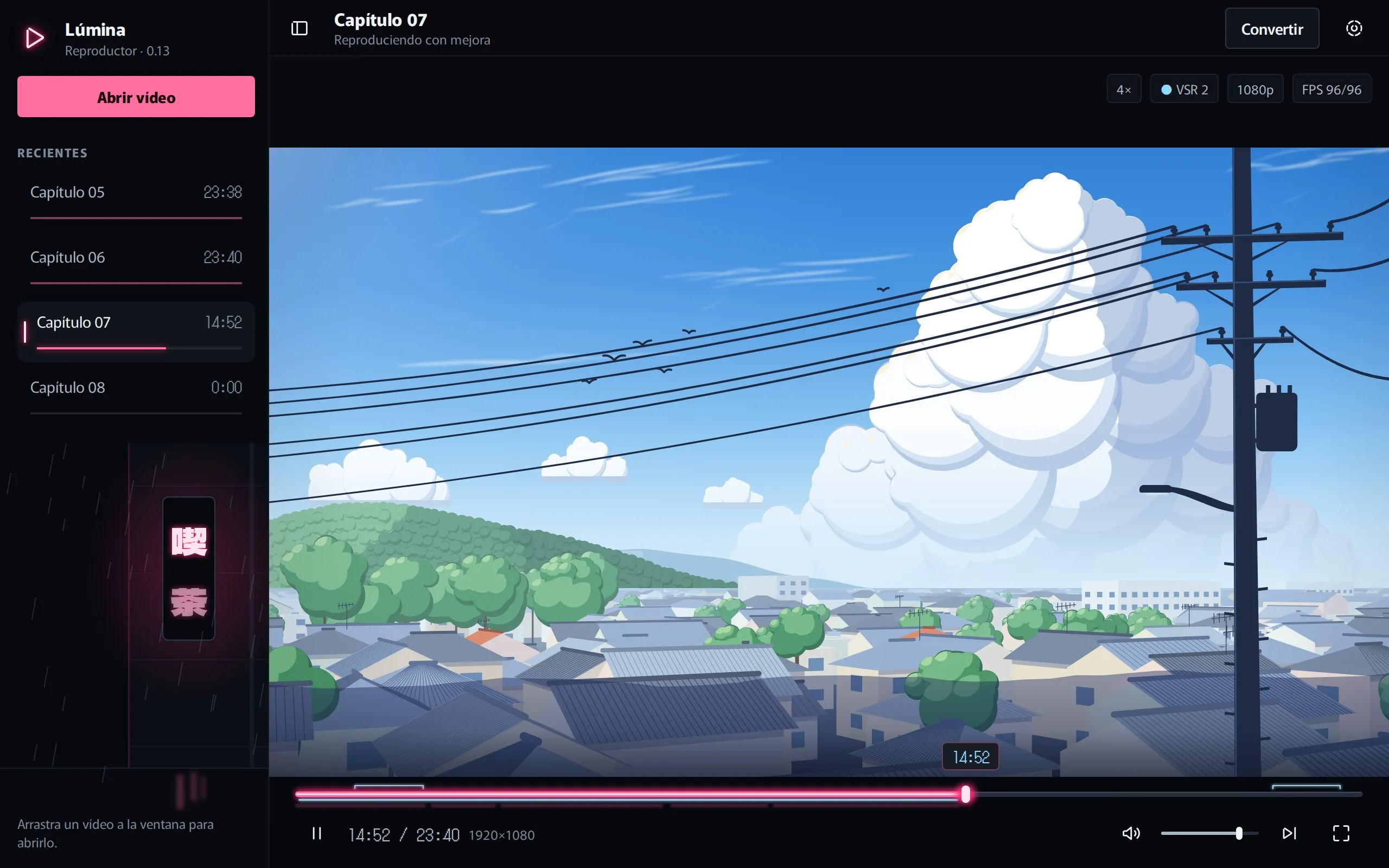
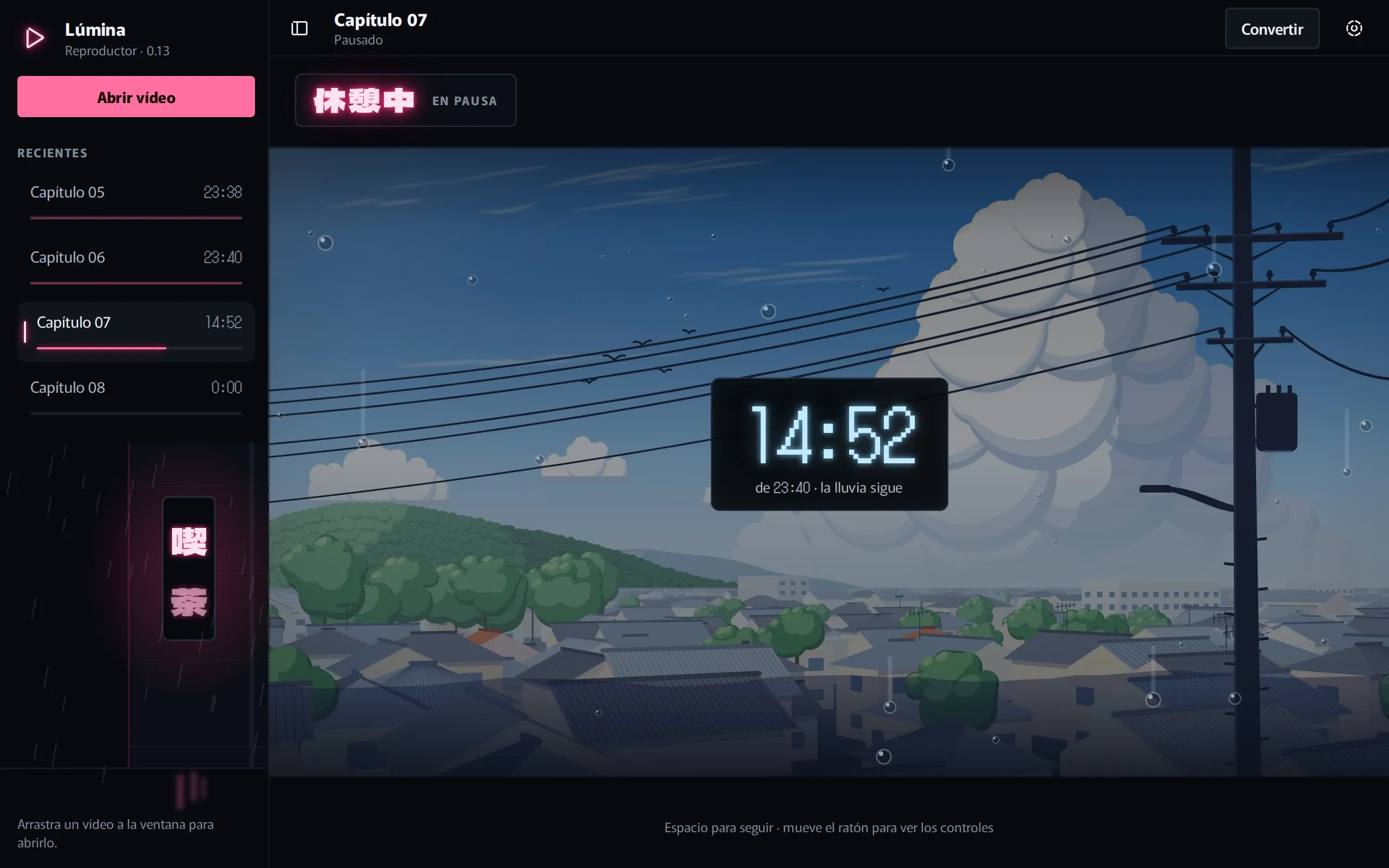
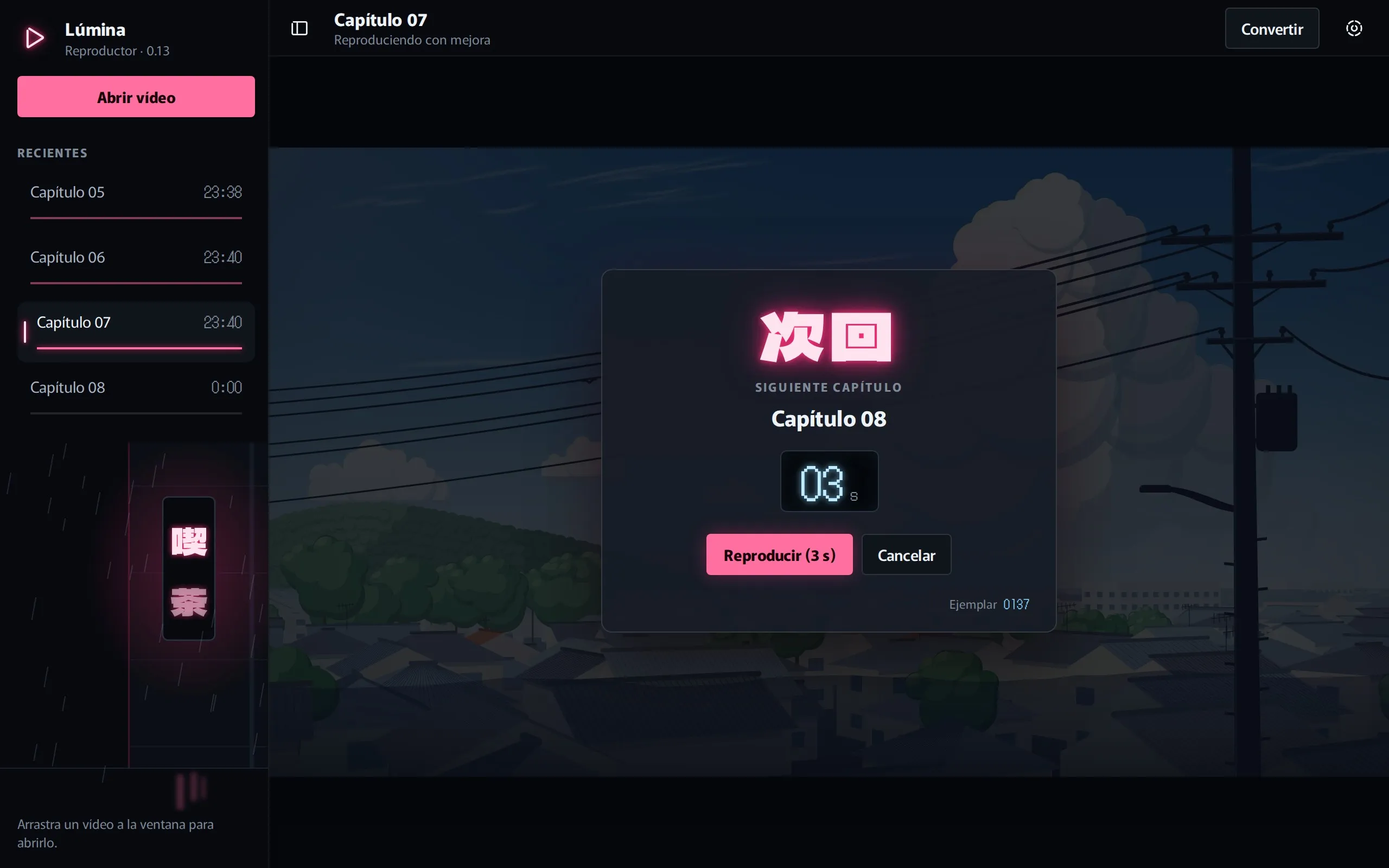
A back alley in the rain: the timeline is a neon tube and 次回 lights up letter by letter at the end of the episode.
- Custom timeline and playhead
- Icons and typography
- Illustrated start screen
- Pause and end art
- Animations in the margins
- Edition
- No. ····
- Numbering
- Your number is engraved on the skin when you buy it.
4.99 USD
Buy 3 a.m.- Numbered editions: your edition number appears in the skin.
- Each skin is activated on 1 PC. If you switch computers, you move it from your account.
- Pay with USDT or USDC on the BSC network (BEP-20), directly and with no middlemen.
- Lúmina is free and includes the Light Ribbon skin.
Requirements
Check that your PC is ready.
No need to install Python, CUDA or TensorRT: everything comes inside the app.
64-bit Windows 10 or 11
Windows 10 version 2004 or later.
NVIDIA GeForce RTX 20 series or newer
With an up-to-date driver. The AI runs on the card's Tensor Cores, which is why it doesn't work on AMD, Intel or GTX cards.
On your own PC
Over Remote Desktop the video isn't shown: Lúmina renders with the GPU's OpenGL.
Looks like you're not on Windows. Lúmina only runs on Windows with an NVIDIA RTX card: save this page to download it from your PC.

Install it from Microsoft Store
Free, with no extra steps; the Store keeps it up to date.
Open Lúmina
The first time, it prepares the AI engine for your card in a few seconds.
Drag in your video
Playback starts instantly; the enhancement kicks in seamlessly as soon as it's ready.
FAQ
What people usually ask before downloading.
Is Lúmina free?
Yes. The full player, with AI interpolation, RTX VSR and opening skipping, is free. The only paid extras are skins, and they're optional.
Does it work with an AMD, Intel or NVIDIA GTX card?
No. Interpolation runs on TensorRT for RTX and sharpening on RTX Video Super Resolution, and both need an NVIDIA GeForce RTX 20 series card or newer.
Which smoothness should I pick?
The one that matches your display: a 24 fps video at ×3 gives 72 fps, at ×5 gives 120 and at ×6 gives 144. With automatic tuning, Lúmina lowers the smoothness if your GPU can't keep up in real time.
Does Lúmina modify my videos?
No. It plays the original from disk and the enhancement is generated on the fly. If you convert a video, it's saved as a new file (by default “name_fluido.mp4”) and never overwrites the original.
Do I need an internet connection?
Not to watch videos. Paid skins do check their license online once a week; if you go more than 14 days offline, Lúmina switches back to the built-in theme until it reconnects.
How do I pay for skins?
With USDT or USDC on the BSC network (BNB Smart Chain, BEP-20), from your wallet or by withdrawing from an exchange. Make sure you pick the BSC/BEP-20 network: a transfer on any other network won't arrive.
Can I use a skin on more than one PC?
Each purchase is activated on one PC. If you switch computers or reinstall Windows, release it from your account and activate it on the new one, up to 3 times a year.